


07 Mar How Can You Protect a Mobile Device While Traveling?
Your smartphone, tablet, or laptop is more than just a gadget; it holds a treasure trove of personal and financial information. Losing your mobile device or getting hacked while traveling can be a nightmare. Cybercriminals and thieves often target travelers due to their increased reliance on unsecured Wi-Fi networks and their distraction in unfamiliar surroundings. So, how can you protect a mobile device while traveling? The good news is that there are practical steps you can take to secure your device against theft, hacking, and data loss. From setting strong passwords to using VPNs and avoiding risky networks, this guide covers everything you need to know to keep your devices safe on the go.
Use Strong and Unique Passwords
A strong password is the first line of defense to protect a mobile device while traveling. Simple and predictable passwords make it easier for hackers to gain access to your personal information.
Best Practices for Strong Passwords
- Use at least 12 characters, mixing uppercase, lowercase, numbers, and symbols.
- Avoid using personal information like birthdays or names.
- Change your passwords regularly and never reuse them across multiple accounts.
- Use a password manager to store and generate complex passwords.
Pro Tip: Enable two-factor authentication (2FA) for extra security on accounts that support it.
Enable Biometric Authentication
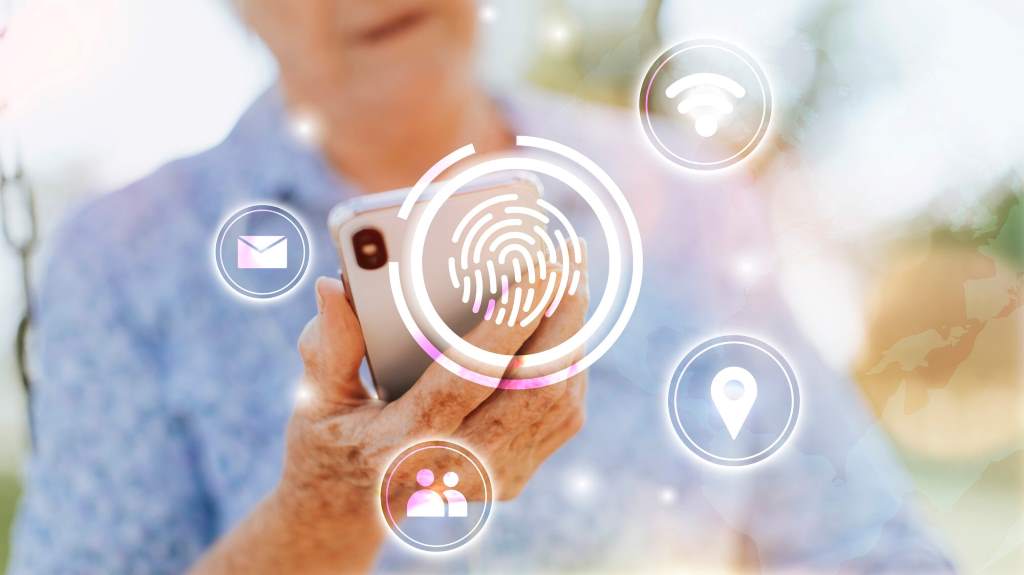
Biometric authentication, such as fingerprint scanning and facial recognition, adds an extra layer of security to your device.
Why Biometric Security is Important
- Harder to Replicate: Unlike passwords, fingerprints and facial features are unique.
- Faster Access: Unlocking your device takes just a second.
- Works Offline: Biometric authentication doesn’t rely on internet connectivity.
While no security measure is foolproof, combining biometrics with strong passwords significantly enhances protection.
Update Your Operating System and Apps
Many cyberattacks exploit outdated software vulnerabilities. Keeping your device updated ensures you have the latest security patches.
How to Keep Your Device Updated
- Enable automatic updates for your operating system.
- Regularly update apps from official sources like the Apple App Store or Google Play Store.
- Delete unused apps that may have security flaws.
Staying current with updates minimizes risks posed by cybercriminals exploiting older vulnerabilities.
Discover essential safety travel tips for travelers.
Use a Virtual Private Network (VPN)
Public Wi-Fi networks are a hacker’s playground. Using a VPN encrypts your internet traffic, making it harder for cybercriminals to intercept your data.
Benefits of Using a VPN While Traveling
- Protects Sensitive Information: Prevents hackers from stealing login credentials.
- Bypasses Geo-Restrictions: Access websites and services as if you were in your home country.
- Enhances Privacy: Your real IP address remains hidden.
When choosing a VPN, opt for one with no-logs policy, strong encryption, and fast servers.
Avoid Public Wi-Fi or Use a Personal Hotspot
Hackers often create fake Wi-Fi hotspots to steal information. Connecting to public networks in airports, hotels, or cafes exposes you to risks.
Safe Alternatives to Public Wi-Fi
- Use your mobile data plan instead of public networks.
- Create a personal hotspot from your smartphone.
- If using public Wi-Fi, never access banking apps or sensitive accounts.
If connecting to public Wi-Fi is unavoidable, make sure to enable a VPN before browsing.
Disable Bluetooth and Auto-Connect Features
Leaving Bluetooth and auto-connect features enabled can make your device vulnerable to cyber threats.
How to Stay Secure
- Turn off Bluetooth when not in use.
- Disable auto-connect to Wi-Fi to prevent your device from connecting to rogue networks.
- Use “Forget Network” after using a public Wi-Fi connection.
These small actions significantly reduce your risk of unauthorized access.
Use Remote Tracking and Wipe Features
If your device gets lost or stolen, having remote tracking and wipe options enabled can help you recover or erase your data.
How to Enable Remote Tracking
- For iPhone: Use “Find My iPhone” via iCloud.
- For Android: Use “Find My Device” in Google settings.
Additionally, set up remote wiping so that you can erase your data if recovery isn’t possible.
Carry a Portable Charger and Secure Charging Practices
Public charging stations can be tampered with by cybercriminals. Juice jacking is a technique where malware is transferred through USB charging ports.
How to Charge Your Device Safely
- Use your own charger instead of public USB ports.
- Carry a power bank for emergency charging.
- Use a USB data blocker to prevent unauthorized data access.
Protecting your device from tampered charging stations keeps you safe from potential cyber threats.
Keep a Backup of Your Data
Losing your device doesn’t mean losing your important files. Regular backups ensure that your information remains safe even if your device is stolen.
How to Back Up Your Mobile Data
- Use cloud storage services like Google Drive, iCloud, or Dropbox.
- Create offline backups on an external hard drive.
- Enable automatic backups for your photos, contacts, and important files.
If something happens to your device, having a backup lets you restore everything without stress.
Beware of Physical Theft
Cybersecurity isn’t the only concern—physical theft is a real risk, especially in crowded tourist spots.
How to Prevent Mobile Theft
- Keep your device in a front pocket or anti-theft bag.
- Use a phone tether or anti-theft lock.
- Avoid leaving your device unattended in cafes, airports, or public transport.
If your device is stolen, report it immediately and use remote wiping to protect your data.
FAQs
How can I protect my phone from hackers while traveling?
Use a VPN, avoid public Wi-Fi, enable two-factor authentication, and keep your device updated with the latest security patches.
Should I turn off my phone’s Wi-Fi and Bluetooth while traveling?
Yes, turn off Bluetooth and auto-connect Wi-Fi when not in use to prevent unauthorized access to your device.
Is it safe to charge my phone at public charging stations?
Not always. Juice jacking can install malware through USB charging ports. Use a USB data blocker or your own power adapter.
What should I do if my phone gets stolen while traveling?
Immediately use Find My Device (Android) or Find My iPhone (iOS) to track, lock, or erase your data remotely.
Can using a VPN slow down my internet speed?
Yes, but premium VPN services minimize speed reduction while ensuring secure browsing.
Conclusion
Traveling should be about making memories, not dealing with security nightmares. Knowing how can you protect a mobile device while traveling ensures that you stay one step ahead of cybercriminals and thieves. By following these best practices to protect a mobile device while traveling, you can safeguard your data, prevent unauthorized access, and enjoy your journey without worrying about your device’s security.
Stay safe, stay connected, and travel with confidence!